
Totals sent and received on hover
Hover over the speed display to see how much data has been sent and received since NetSpeedDisplay started.
Hover over the speed display to see details, including the totals sent and received since the program started.
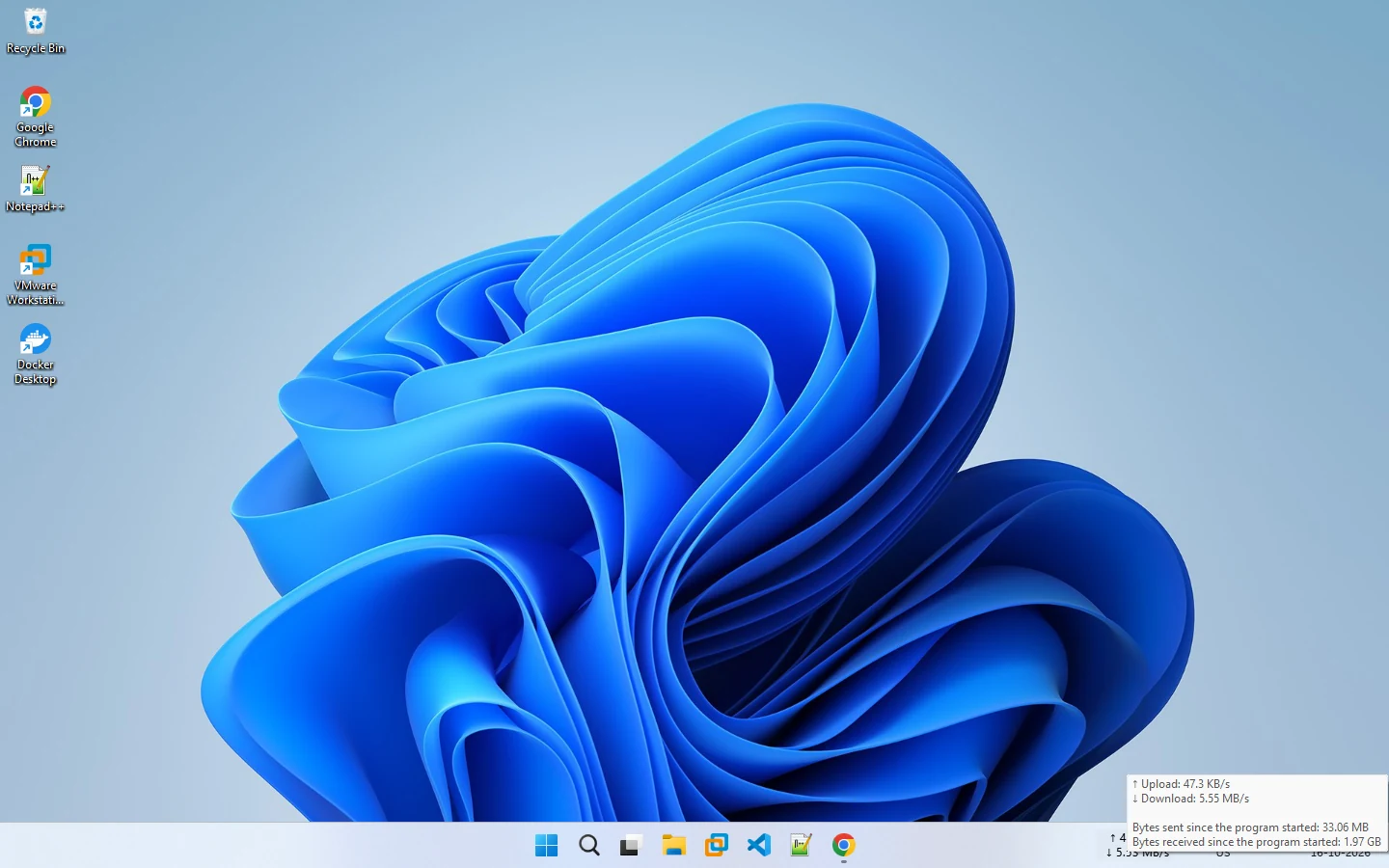
The tooltip lists your current Upload and Download speed, plus Bytes sent since the program started and Bytes received since the program started. Turn it on or off with Show mouse tooltip in the right-click menu.
Good to know
- Totals count from when the program started, not over days or weeks.
- For per-app data usage, use Windows Settings → Network & internet → Data usage. See how to monitor data usage on Windows.
- Your provider’s meter is the one that counts for data caps.
Related pages
How to monitor data usage on Windows
Find per-app data usage in Windows and keep track of traffic during a session.
Network usage monitoring
Track how much data your PC uses, in real time and over days and weeks.
Published 2026-10-14 · Updated 2026-10-16