
Tray icon with speed tooltip
A tray icon that shows current speeds in its tooltip and shows or hides the floating window with a click.
NetSpeedDisplay adds an icon to the notification area (system tray).
- Hover over it to see current speeds in the tooltip.
- Click it to show or hide the floating window.
- Right-click it to open the menu for appearance, network connections, speed unit, startup and language.
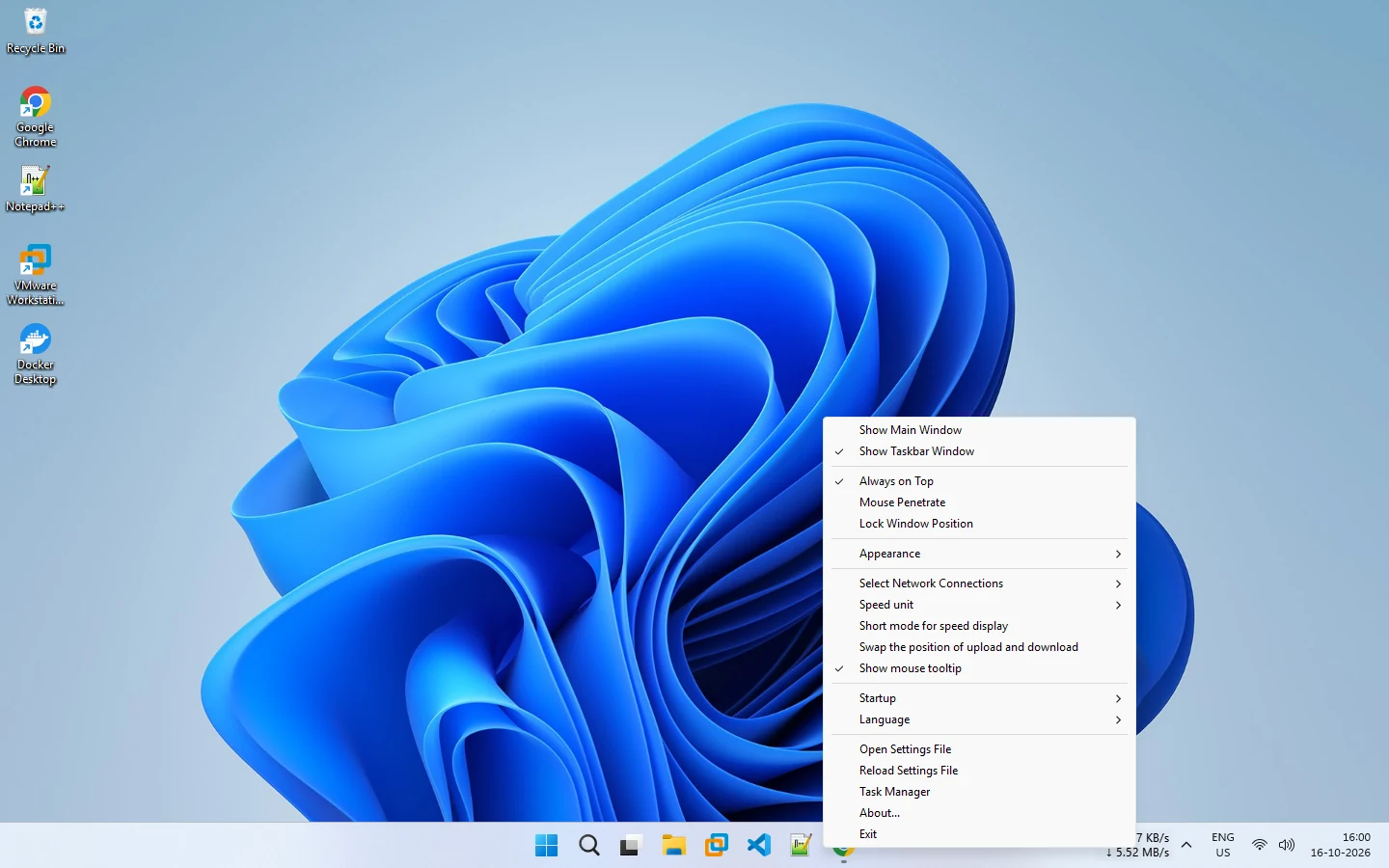
See the tray icon guide.
Related pages
Tray icon
The NetSpeedDisplay tray icon shows speeds in a tooltip and shows or hides the floating window.
Draggable floating window
An optional floating window you can drag anywhere, with adjustable opacity, always-on-top and click-through.
Published 2026-10-14 · Updated 2026-10-16