
Check JioFiber, Airtel Xstream, ACT or BSNL Broadband Speed on Your Windows PC
How to check your broadband or Wi-Fi speed on a Windows laptop in India (JioFiber, Airtel Xstream, ACT, BSNL), read Mbps vs MB/s, and track data use on a FUP plan.
Whether you use JioFiber, Airtel Xstream Fiber, ACT Fibernet, BSNL Bharat Fibre or a local cable operator, checking your speed on a Windows laptop works the same way. This guide shows how to test it properly, how to compare it with your plan, and how to keep live speed and data usage on your screen.
1. Run a fair speed test
- Close downloads, YouTube, Netflix and game launchers. Pause OneDrive or Google Drive sync.
- Connect to the 5 GHz Wi-Fi network if your router has one (often the name ends in
_5G). It is usually much faster near the router than 2.4 GHz. See 2.4 GHz vs 5 GHz. - On Windows 11, right-click the Wi-Fi icon → Perform speed test, or open any speed test website.
- Repeat three times; use the middle result.
- For the true line speed, test once with an Ethernet (LAN) cable from the router.
2. Compare with your plan correctly
Plans are in Mbps. Downloads show MB/s. Divide by 8:
| Plan | Best-case download in MB/s |
|---|---|
| 30 Mbps | about 3.75 MB/s |
| 40 Mbps | about 5 MB/s |
| 100 Mbps | about 12.5 MB/s |
| 150 Mbps | about 18.75 MB/s |
| 300 Mbps | about 37.5 MB/s |
| 1 Gbps | about 125 MB/s |
On Wi-Fi, getting 50–70% of the plan speed is normal; on a cable, close to the full plan. Use the plan vs real speed calculator.
3. Keep live speed on the taskbar
A speed test shows the line’s maximum once. To see what your laptop is actually downloading and uploading all day, put a speed meter on the taskbar:
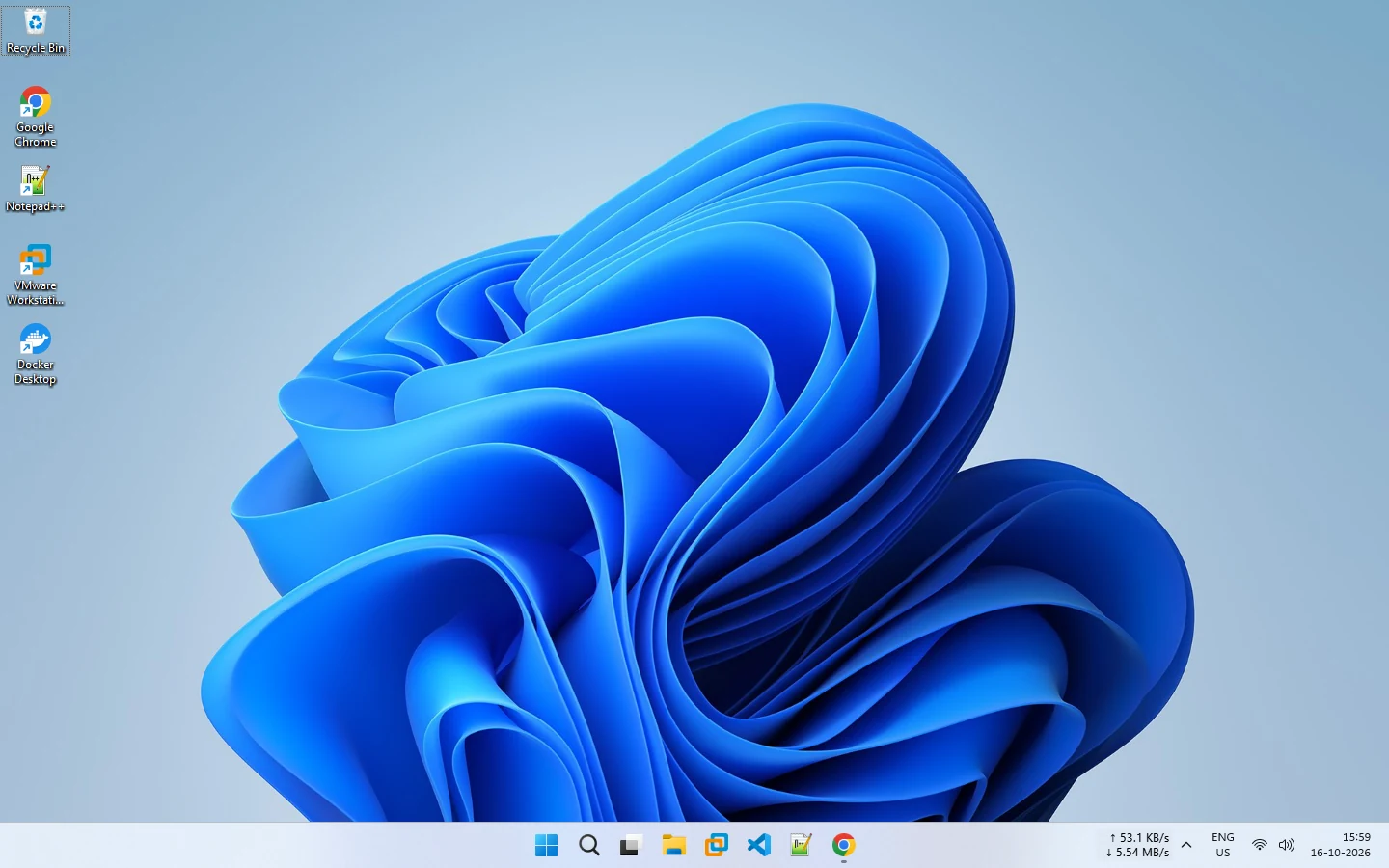
NetSpeedDisplay is free, about 2.4 MB, needs no account or admin rights, and is available in Hindi, Bengali, Tamil, Telugu, Marathi and Urdu (with native digits if you like). Download NetSpeedDisplay.
4. Track data on a FUP or hotspot
Many broadband plans have a fair usage policy (FUP), and phone hotspots have daily data limits. Two ways to track data on Windows:
- Settings → Network & internet → Data usage: per-app use over 30 days.
- NetSpeedDisplay → Settings → History: tick Keep daily usage history to see today, last 7 days and this month on the dashboard, and export to CSV.
Set the Wi-Fi or hotspot as metered to reduce background downloads: how to set a metered connection.
5. When speed is low
| Symptom | Likely cause | Try |
|---|---|---|
| Slow on Wi-Fi, fine on cable | Wi-Fi signal or band | 5 GHz, move closer, router placement |
| Slow on cable too | Provider or router | Restart router (30 s), then raise a complaint with your provider’s app |
| Slow only in the evening | Network congestion | Note times and speeds; share with support |
| Slow only on the laptop | Background apps, VPN, driver | Increase internet speed on Windows 11 |
| Speed drops to zero often | Unstable connection | Watch the live meter; check cables and the ONT/router lights |
When you contact support, give them Ethernet speed test results at different times. They are much more convincing than Wi-Fi tests.
Frequently asked questions
Why is my 100 Mbps JioFiber or Airtel plan showing only 12 MB/s? That is normal: 100 Mbps ÷ 8 = 12.5 MB/s.
Why is Wi-Fi speed lower than my plan? Wi-Fi loses speed with distance, walls and on the 2.4 GHz band. Test with a cable to check the line.
How can I see internet speed on my laptop taskbar? Windows does not show it. Install a free taskbar speed meter such as NetSpeedDisplay.
Does a speed meter use my data? NetSpeedDisplay does not: it only reads counters Windows already keeps. A speed test does use data.
Related pages
How to Check Internet Speed on a Laptop or PC (Windows 11 and 10): 5 Easy Ways
How to check net speed on a laptop or PC: Windows 11 Perform speed test, a browser test, Task Manager, Settings data usage, and a live speed meter on the taskbar.
Net Speed Check: What Net Speed Means and How to Check It on Your PC
Net speed explained: download, upload and ping, Mbps vs MB/s, what a good net speed is, how to run a net speed check, and how to watch your net speed live on Windows.
Why Is My Download Speed Slower Than My Plan?
Getting less than the Mbps you pay for? Check the common causes: Wi-Fi, units, background traffic, VPN and congestion, with a step-by-step test you can do on Windows.
How to Monitor Data Usage on Windows 10 and 11
Step-by-step ways to check data usage on Windows: Settings, Task Manager, Resource Monitor and NetSpeedDisplay's daily history. Includes a simple routine.
First published 23 November 2026 · Last updated 23 November 2026. Found a mistake or something out of date? Email [email protected] and we will fix it. See how we write and test content.